The solution is to clear the data for two system apps called Media Storage and Sec Media Storage. Don’t let the names of those apps scare you. Clearing data for the two apps does not delete any media files from your phone’s internal or external storage. It does, however, clear cache for things like thumbnails that show in the Gallery app, so any photos or screenshots you took before clearing data for the two apps will not show in the Gallery app but will still be accessible via My Files or any other file storage app.
How do I fix the error?
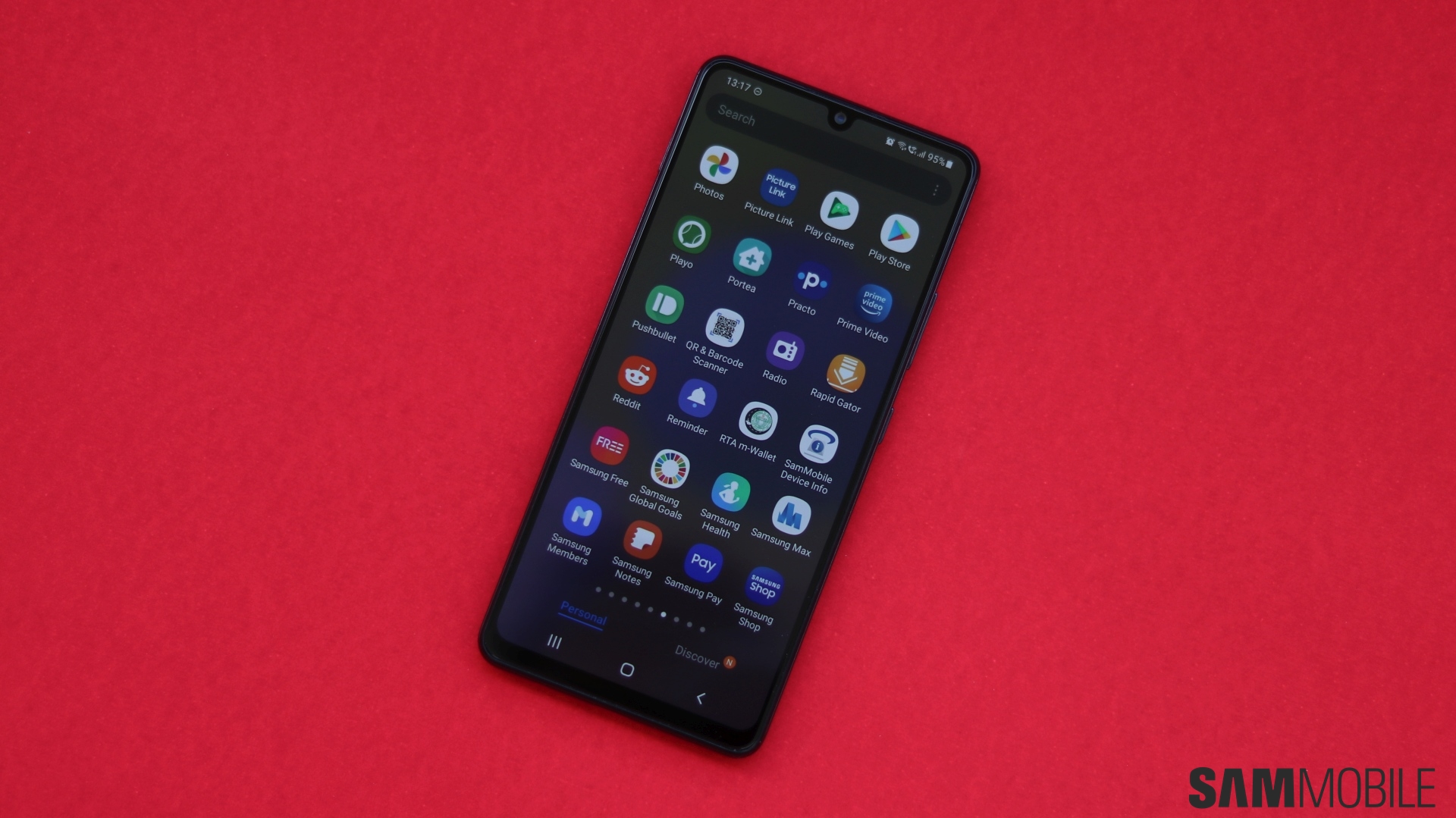
So if you’re seeing a popup saying “the process android.process.media has stopped” or something along those lines on the Android 10 beta, here’s what you need to do. Open the Settings app, then go into the Apps section. Here, tap the three-dot button at the top right of the screen and tap Show system apps. Then, scroll down and tap on the app called Media Storage, tap Storage, then hit the Clear data button at the bottom. Repeat the same procedure for the app called Sec Media Storage. Then, restart your phone.
Check out the video below for a visual guide on how to perform the steps above. You will hopefully not have any further issues once you’ve done the needful, although nothing can be said for certain since it’s beta software. If you do find problems with the beta, be sure to take to report them via the Beta feedback section of the Samsung Members app.
To see what new features are included in the beta, check out this article. And before you ask when the Android 10 beta will come to your country, let us say we don’t know. Samsung has only confirmed the US, South Korea, and Germany as part of the beta program for now, and while we expect the program to expand to other markets, such as India and the UK, there is no telling when that will happen or which countries will actually be included by Samsung.

- Model: SM-G970F
- Dimensions: Bar: 142.2 x 69.9 x 7.9 mm
- Display: 5.8 inch / 147.32 mm Dynamic AMOLED Display
- CPU: Exynos 9820
- Camera: 16MP
- Model: SM-G973F
- Dimensions: Bar: 149.9 x 70.4 x 7.8 mm
- Display: 6.1 inch / 162.5 mm Dynamic AMOLED Display
- CPU: Exynos 9820
- Camera: 16MP
- Model: SM-G975F
- Dimensions: Bar: 157.6 x 74.1 x 7.8 mm
- Display: 6.4 inch / 162.5 mm Dynamic AMOLED Display
- CPU: Exynos 9820
- Camera: 16MP